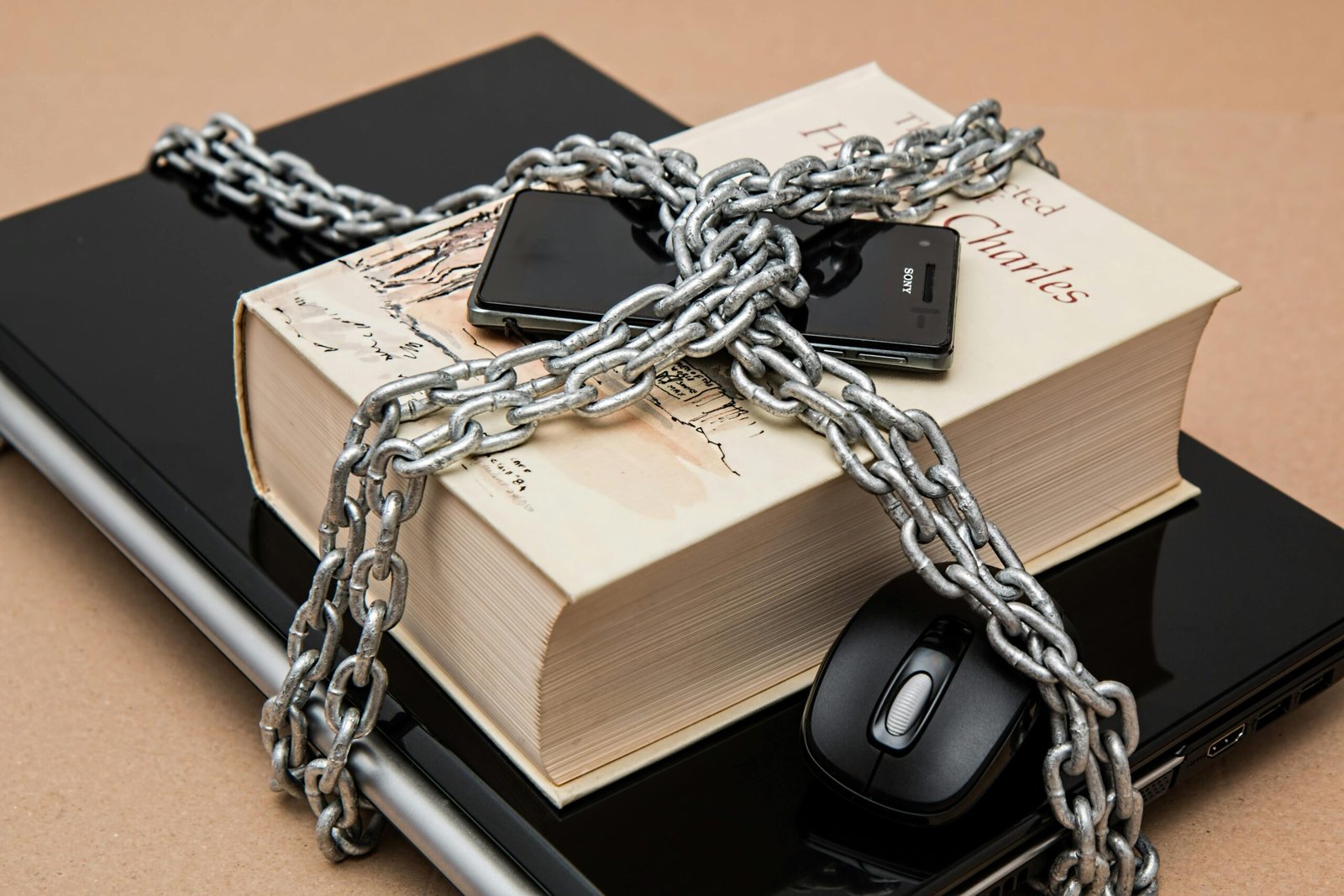
With AI-based scams increasing, more advanced phishing attacks happening, and the number of smart devices in both home and work environments rising quickly, we need to adopt smarter habits to protect our digital lives than simply installing antivirus software. The good news is that you can reduce your risk of becoming a victim of cybercrime significantly by developing practical security habits, such as 10 essential cybersecurity tips in 2025 to help keep your data, identity, devices, and online accounts safe.
1) Use Passkeys (aka Passwordless Authentication)/Password Management Solutions
At the moment, traditional passwords remain one of the weakest points in online security. Beginning in 2025, they will also be replaced by passkeys as the new industry standard.
Here’s what you need to do:
– Use passkeys wherever possible with companies that currently support them (i.e., Google, Apple, Local Community Banks, and the Nation’s Department Store Chains).
– Download/use a trusted password management solution in order to create randomly generated very strong passwords for each account to be saved securely in the app.
– For any service where you cannot use passkeys, create long (12+ characters) passphrases.
Importance:
Stolen passwords are among the top leading cause of accounts being breached. If you use passkeys, these won’t be reused on any bogus website – which also helps to protect against phishing emails.
2. Enable Mult-Factor Authentication (MFA)
Two-factor authentication (MFA) is one of the most efficient ways of ensuring you have an additional layer of security.
The 2025 best options are:
- Authenticator applications — Google Authenticator & Microsoft Authenticator.
- Key hardware security keys — YubiKey & Titan Key.
- Biometrics — Face ID & Fingerprints.
When possible, don’t use SMS codes because SIM swap scams can easily circumvent them.
3. Beware of AI based Scams and Deep Fakes
Cybercriminals have access to advanced applications that use Artificial Intelligence to generate very realistic emails, voice recordings and even video deep fakes.
To improve your security:
- Be careful with urgent or emotional requests
- Always verify requests using official contact information
- Do not click links from suspicious emails
- Enter the website address directly into your web browser
4. Keep All Your Devices and Systems Current
Outdated software provides a way for an attacker to access your system.
Keep everything updated as soon as you can, including:
- Computers/laptops
- Smartphones/tablets
- Routers
- Smart home devices (cameras, doorbells, thermostats)
- Browsers/extensions
Always have automatic updates enabled if possible.
5. Safeguard Your Home Wi-Fi System
As the number of IoT devices continues to grow, so does the necessity for reliable security for all of your home’s networks.
Home Network Security Best Practices:
- Change Default Router Password as soon as you get it.
- Enable WPA3 for Strong Encryption.
- Create Guest Network for Visitors and Any IoT Devices.
- Turn Off Unused Features Such as Remote Access or WPS.
6. Utilize a VPN When Using Public Wi-Fi
Using public Wi-Fi (e.g., airports, hotels and cafes) can expose your information.
Using a VPN can do the following:
- Keep Your Internet Traffic Encrypted.
- Protect Login Credentials from Being Stolen.
- Give You Privacy When Surfing Online.
Avoid Transaction-Based Websites or Complete Access to Your Sensitive Data over An Unsecured Internet Connection.
7. Back-Up Your Data (3,2,1 Strategy).
With the increase in ransomware attacks in 2025, it is important that you establish and maintain a reliable backup system.
The 3, 2, 1 backup strategy will require:
- Three Copies of Your Data
- Two Different Types of Storage (External Drive and USB or so forth)
- One Backup Stored in the Cloud, off-Site
You should always test your backups on a regular basis.
8. Limit the Amount of Personal Data You Share See Beyond the Stereotyping
Cyber criminals gather in-depth personal information from social media as a means of accessing your account by guessing your password or by creating targeted scams against you.
Limit your exposure by the followings:
- Do not share any of your birth date information
- Do not post your current location or your personal calendar
- Be sure to keep your social media accounts private
- Be sure to review the permissions you granted/denied access to your apps and websites.
9. Turn On Your Device’s Security Features
Most current devices can provide you with multiple levels of account security. Please make sure they are enabled.
You can enable:
- Track My Device/Remotely wipe/reset your device
- Full-disk encryption
- App permission restrictions
- Built-in firewalls
The above features may greatly reduce your risk of losing your data if your device is lost or stolen.
10. Stay Up to Date Regarding New Cyber Threats
The cyber landscape is continuously evolving. Being informed is the best way to keep yourself safe.
Ways to stay informed:
- Stay up to date with trustworthy Cyber Security Organizations
- Participate in Education/Training provided by your Company
- Review your account security/permissions regularly.
Final Thoughts:
In 2025, the future of cyber protection isn’t based on being scared all the time—it’s based on developing consistent and intelligent cyber habits. If you ensure that you use better passwords, keep all of your devices up to date, are aware of scams using artificial intelligence and regularly back up all of your data, you will greatly reduce your chances of falling victim to a cyber attack or other types of criminal activity (such as identity theft).
Ultimately, you are responsible for your digital security—make sure you start to implement these best practices today so that you protect your digital life in 2020 and into the future!å